01 / Home
Talk it through with Home.
Talk ideas through. Ask a question and Home answers; ask for something to be built and Home hands it to Coder.
How it works
Ardra splits building software into four jobs, each done by its own agent with the model you choose for it. You watch every step, approve every command, and get a report at the end.
Your request goes from the app, through agents that know their job and keep every request lean, to the model you chose, and comes back as a built, tested and reviewed project.
The app on your Mac. Your keys are encrypted with your Mac's Keychain.
Coder, Tester and Reporter, each with its own instructions. Every request is trimmed to fit: old file contents and long output go first.
Any model you bring, called straight from your Mac over HTTPS. Secrets are scrubbed first.
Built in your project folder, tested by Tester, written up by Reporter.
Scroll to follow a piece of work from your first question to a report you can review.
01 / Home
Talk ideas through. Ask a question and Home answers; ask for something to be built and Home hands it to Coder.
02 / Coder
Coder writes the project in a folder on your Mac. You watch files appear in the editor, and every command waits for your Run.
03 / Tester
Tester reads the code, runs and writes tests, audits it, and sends problems back to Coder with a request it can act on.
04 / Reporter
When both are green, Reporter writes the work up like a pull request. A senior developer can review it in minutes.
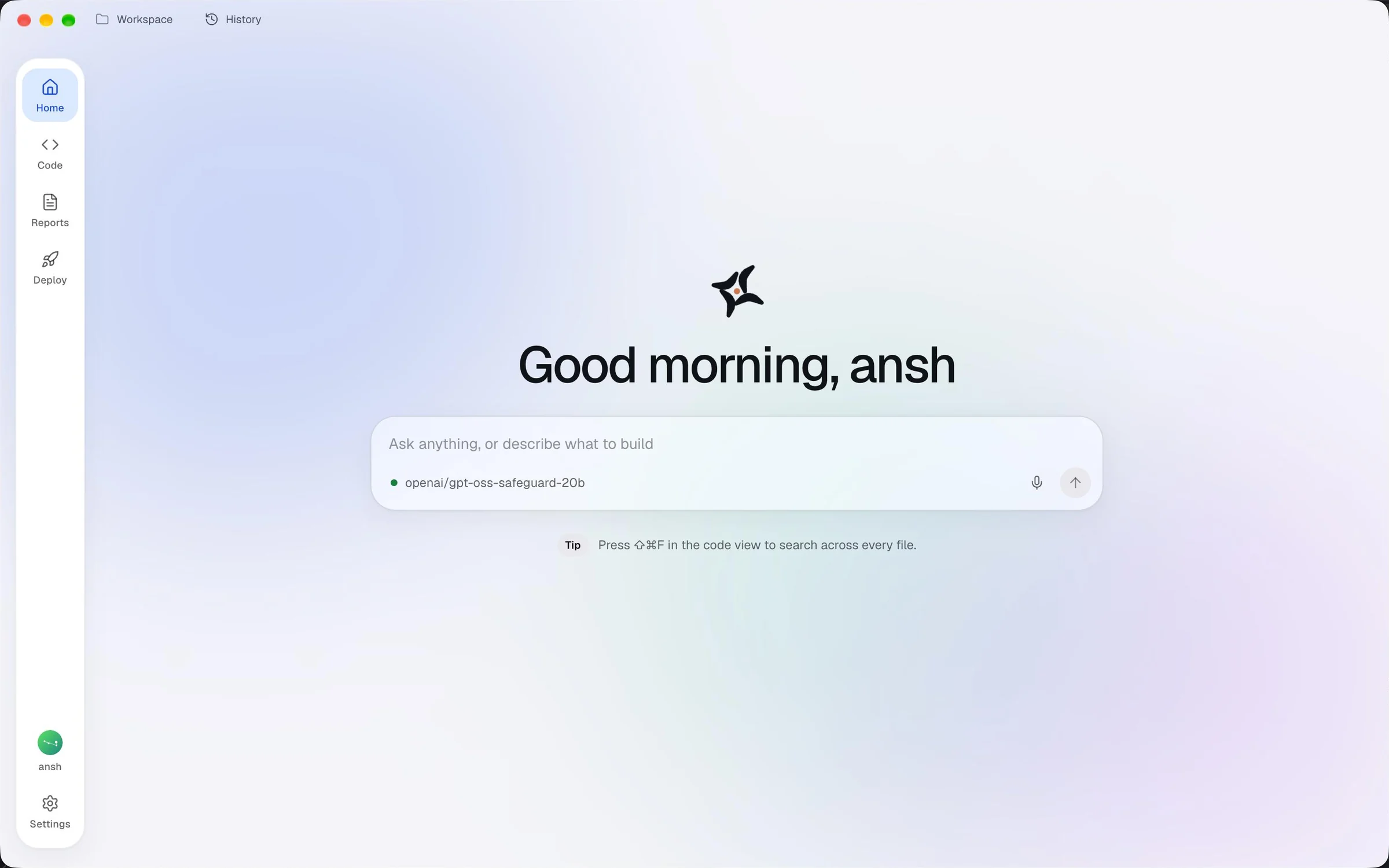
Step 1 · Home
Home is where you talk ideas through. Ask a question and Home answers with the model you picked. Ask for something to be built and Home hands it to Coder, with what you asked for.
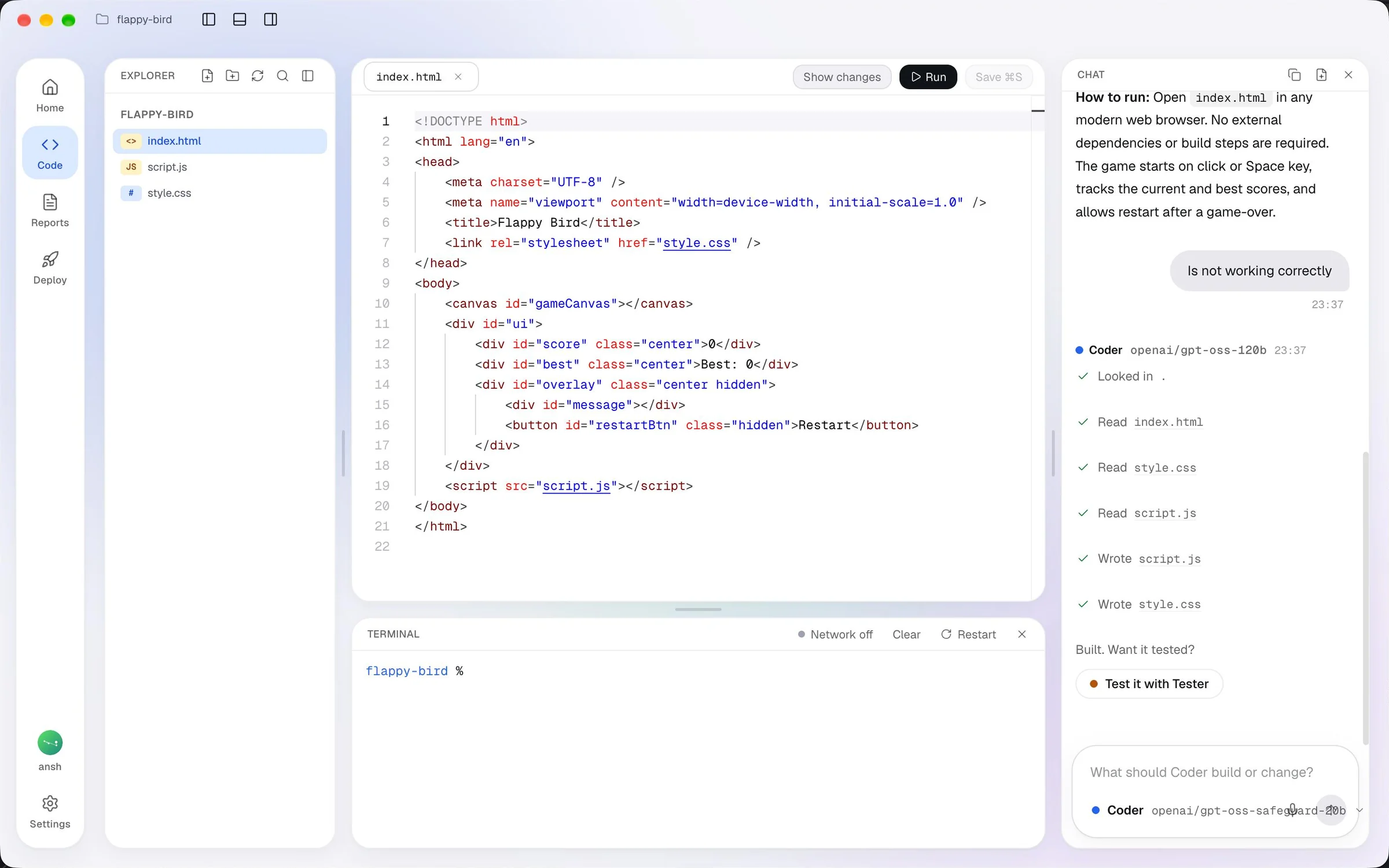
Step 2 · Coder
Open a project folder and Coder writes the code there. Files appear in Explorer and the editor as they are written, the live preview updates, and every command Coder wants to run waits for your Run.
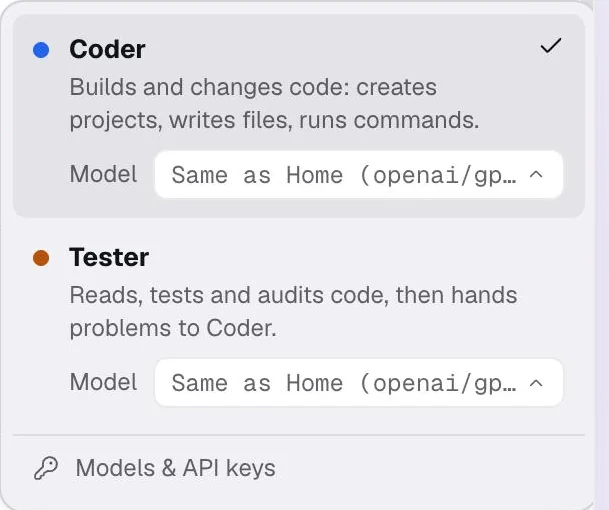
Step 3 · Tester
Tester reads the code, runs the tests and writes new ones, and audits the work. When it finds a problem, it sends it back to Coder with a request Coder can act on. When both are green, Ardra says so plainly.
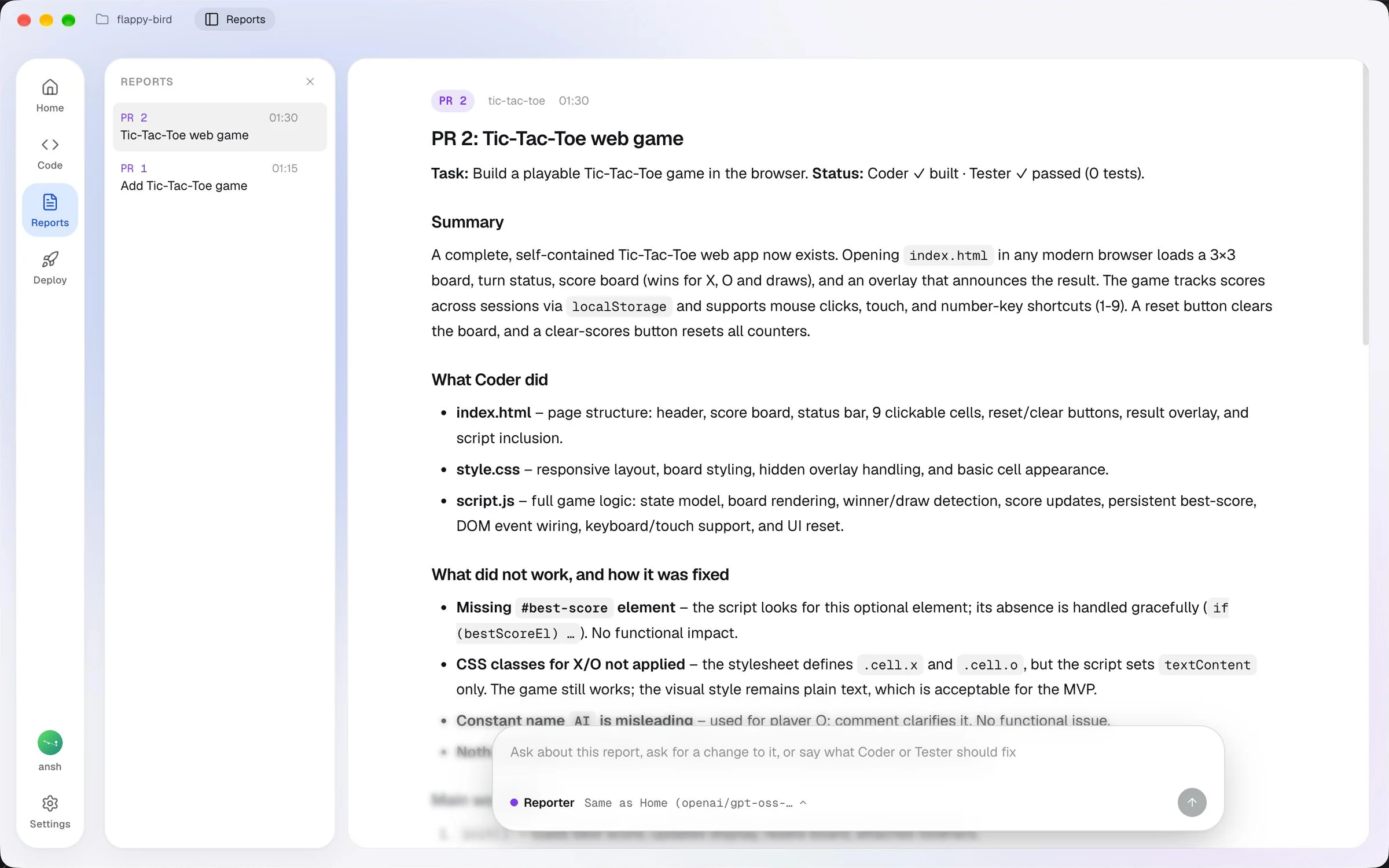
Step 4 · Reporter
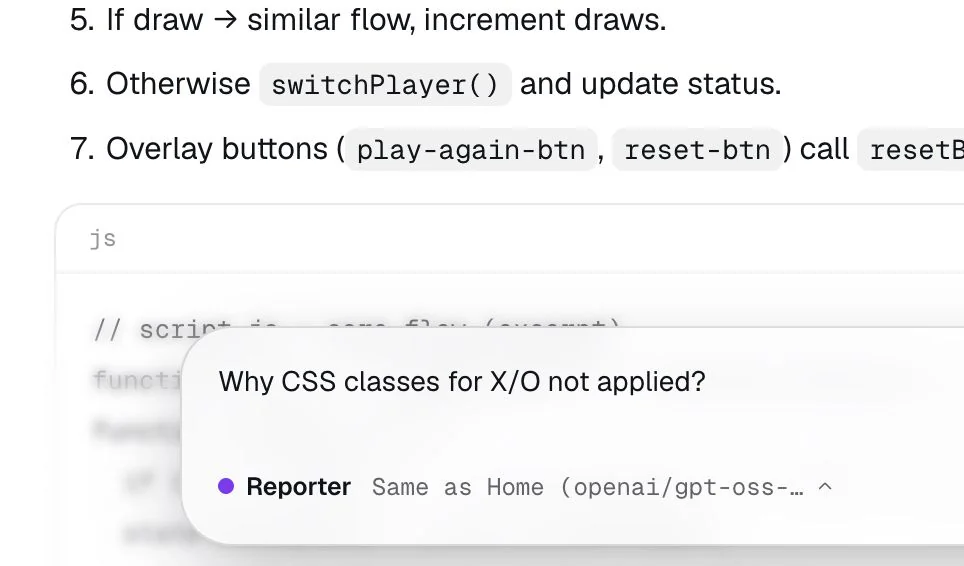
Reporter turns the work into a report laid out like a pull request: what was asked, what changed, what broke and how it was fixed, the main workflow and the key code. A senior developer can review it in minutes.
Agents do the typing. You decide what runs, which model works, and what leaves your Mac.
Free in early access, for Macs with Apple Silicon on macOS 12 or newer. Bring an API key from any model you like.
Ardra is not yet signed by a registered Apple developer, so the first time you open it, macOS asks you to confirm. The download page shows the steps.